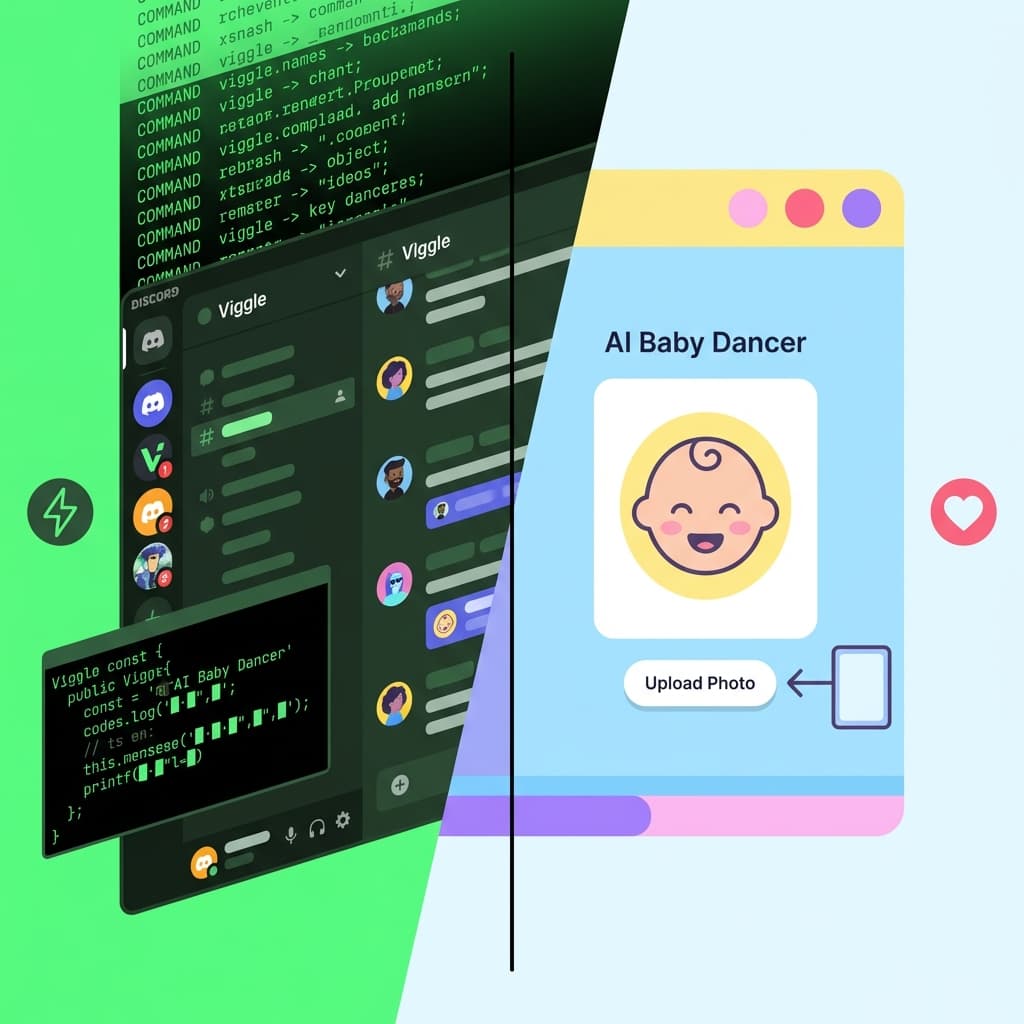
Best Viggle AI Alternative in 2026: AI Baby Dancer vs Viggle
If your goal is simple, fast dance video output for TikTok/Reels/Shorts, the real question is not “which model is more famous,” but:
- How fast can I get from photo to usable video?
- How much setup friction do I need to tolerate?
- How often do I need to retry because of unstable motion or identity drift?
This guide compares AI Baby Dancer and Viggle AI for everyday creators, especially users searching for “viggle ai without discord” or “easier than viggle.”
If you want the short answer first:
- Choose AI Baby Dancer if you want browser-first workflow, fast output, and minimal setup.
- Choose Viggle AI if you are comfortable with Discord-style workflow and you prioritize specific motion transfer control.
Quick verdict by use case
| Use case | Better pick | Why |
|---|---|---|
| Fast meme/video drafts | AI Baby Dancer | Fewer steps and less platform friction |
| Beginner-friendly workflow | AI Baby Dancer | No command-style Discord learning curve |
| Motion-transfer experimentation | Viggle AI | Strong creator ecosystem around reference motion workflows |
| Family/social casual content | AI Baby Dancer | Easier repeatable process for non-technical users |
| Power users who already live in Discord | Viggle AI | Existing bot/workflow habits may reduce switching cost |
If you are comparing more than two tools
Some users do not just want "A vs B." They are really searching for a broader Viggle alternatives landscape. Below is a compact snapshot so you can compare the main options quickly before choosing.
| Alternative | Typical fit | Friction profile |
|---|---|---|
| AI Baby Dancer | Fast social-ready clips | Low |
| Kling AI | Higher realism tuning | Medium |
| Runway | Generation + editing workflows | Medium |
| Pika | Fast idea iteration | Low-Medium |
| Luma Dream Machine | Concept speed tests | Low-Medium |
| CapCut AI workflows | Edit + publish pipeline | Low |
| Template-led tools | Novelty/fun clips | Very low |
Quick rule:
- If speed and repeatability matter most, start with low-friction tools.
- If tight control matters most, accept slower workflow for more tuning.
- Measure "usable outputs per hour," not one lucky render.
Workflow difference: where most time is actually lost
Most creators underestimate “workflow tax.” In practice, generation quality is only one part. You still need to complete setup, retries, and export steps.
AI Baby Dancer typical flow
- Upload photo in browser
- Pick template or motion approach
- Generate and review result
- Download/share
Viggle AI typical flow
- Enter Discord/community workflow
- Select proper channel and command path
- Provide required assets/inputs
- Queue, wait, rerun if needed
- Export usable clip
For technical users this may be acceptable, but for casual creators it often becomes the main drop-off point.
If your priority is “get first usable result quickly,” AI Baby Dancer usually has lower friction.
Related: see AI Baby Dance App (No Download) for a browser-first setup path.
Output consistency: what actually matters for short-form distribution
For short-form channels, a “usable” clip usually means:
- Face/identity remains recognizable across frames
- Motion stays coherent (no obvious jitter spikes)
- Limb edges do not break badly under fast movement
- Video remains clear enough after platform compression
In our production experience, users usually fail on two points:
- Bad input photo quality (soft, noisy, low contrast)
- Wrong motion choice for the source pose
Those failures affect both tools.
Before blaming tool quality, run this checklist first:
- Use a clear source photo with stable lighting
- Keep subject boundaries clean (avoid heavy overlap/background clutter)
- Match motion intensity to source pose
- Start with shorter clip targets, then scale
If your issue is clarity, fix that first: How to Fix Blurry AI Baby Dance Videos.
If your issue is prompt-vs-motion strategy, read: Motion Control vs Text-to-Video.
Pricing and speed: practical decision framework
Exact quotas and pricing can change, so avoid choosing based on one-time screenshots. Instead, decide by cost structure fit:
- If you generate many quick social drafts, prioritize lower per-iteration friction and predictable turnaround.
- If you generate fewer but heavily directed clips, you may accept slower workflow for tighter manual control.
A simple rule:
- Choose the tool that gives you more usable outputs per hour, not just “best single output.”
For most beginner and casual creator scenarios, that tends to favor AI Baby Dancer because of shorter end-to-end workflow.
Check current plan details here: AI Baby Dancer pricing and credits.
When AI Baby Dancer is the better choice
Use AI Baby Dancer if you want:
- A direct web workflow without Discord dependency
- Faster first output for social content
- A simpler process for family/team members who are non-technical
- Easier repetition when testing multiple ideas
Start here: AI Baby Dancer Generator.
When Viggle AI can still be the better choice
Use Viggle AI if you want:
- Discord-native creator workflows
- Deep habit compatibility with existing bot-based pipelines
- Strong preference for its specific motion transfer behavior
If you are already efficient in Discord and rarely need onboarding others, switching cost may outweigh gains.
Final recommendation
For most creators who search “viggle ai without discord,” the bottleneck is workflow complexity, not model theory.
That is why our default recommendation is:
- Start with AI Baby Dancer for fast baseline output.
- Use quality checklist to reduce avoidable retries.
- Keep Viggle as a secondary option for special motion-transfer cases.
If you want a beginner path with fewer wrong turns, open: