Expand to full body
Turn cropped or seated source photos into fuller standing poses before you generate motion.
Better source photos make better AI baby dance videos
Upload photo
Drop image here or click to upload
JPG, PNG, WebP
Choose a prep preset
Pick one preset. The example panel updates instantly.
Selected example
Expand to full body
Extend cropped photos to show complete standing pose
Before
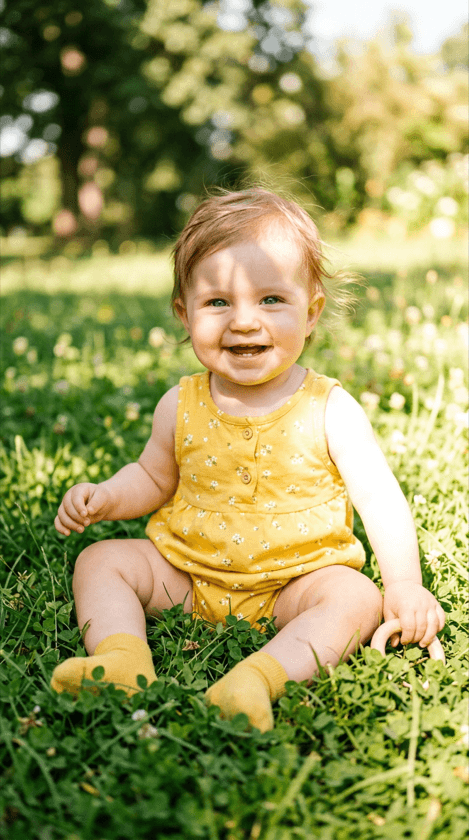
After
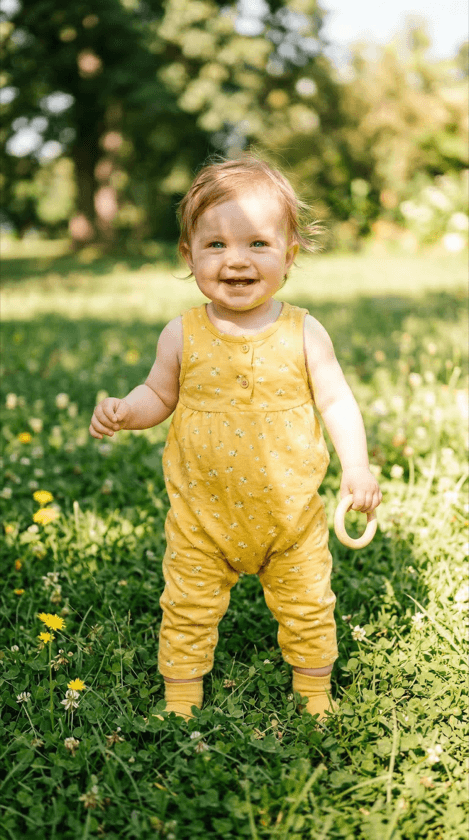
Costs 20 credits per prep image
Continue to AI Baby DancerCosts 20 credits per prep image
Continue to AI Baby DancerSelected example
Expand to full body
Extend cropped photos to show complete standing pose
Before
Expand to full body
The public photo editor is built for one job: making a weak source image more usable before you send it into the generator. If the photo is cropped, cluttered, seated, or just a little soft, fix it here first and then continue into AI Baby Dancer with a stronger starting point.
Turn cropped or seated source photos into fuller standing poses before you generate motion.
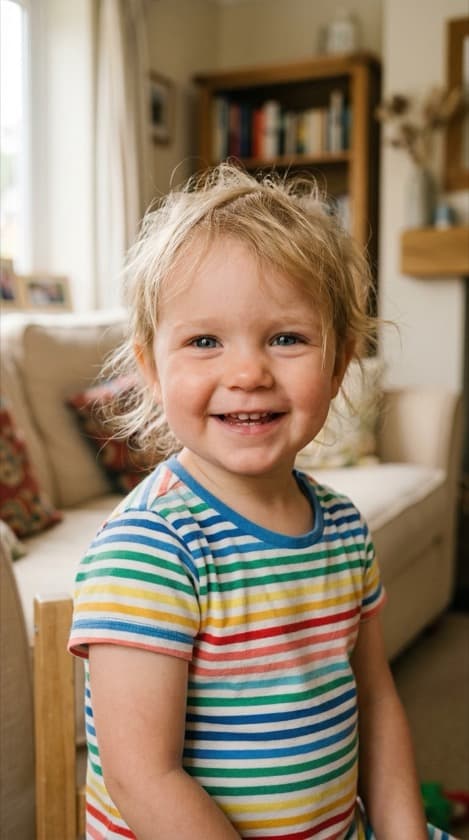
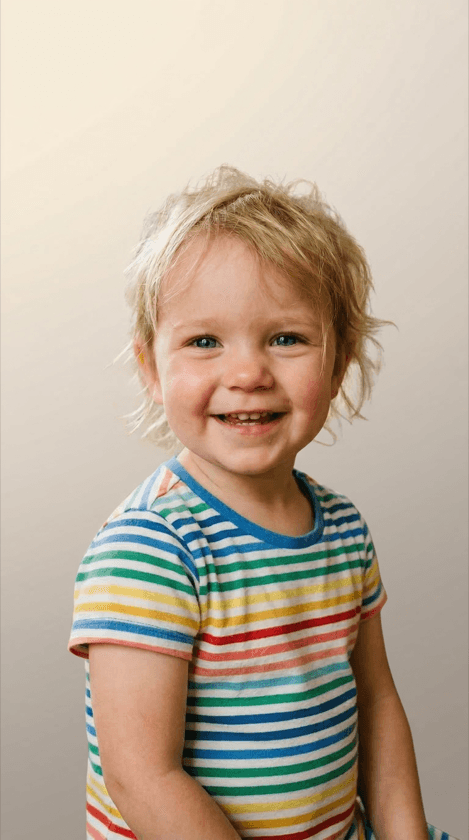
Remove clutter, furniture, and distracting room details so the subject stays readable in motion.
Improve face and edge clarity when the original source is soft, blurry, or low contrast.
These are the three fixes this page is optimized to explain clearly: expanding cropped framing, cleaning the background, and sharpening the subject before generation.
Before
After
Before
After
Before
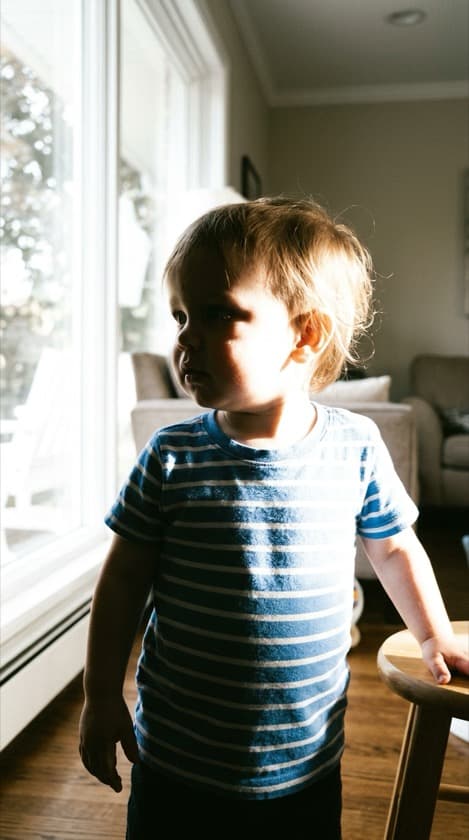
After
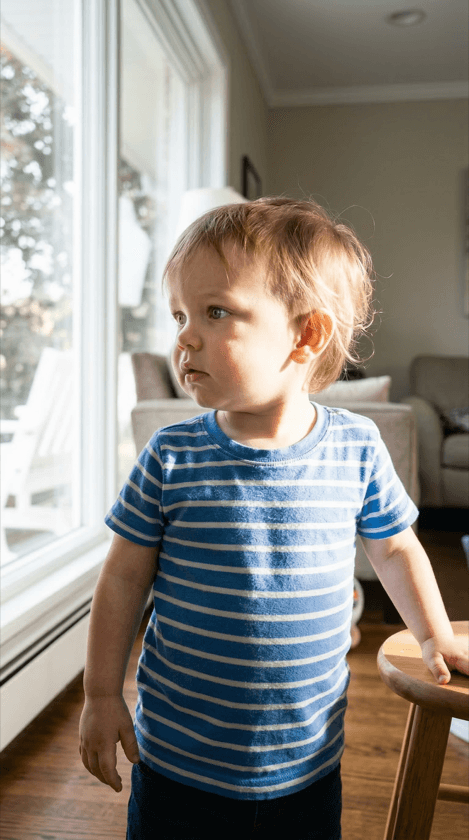
It helps repair common source-photo problems before generation: tight crops, messy backgrounds, and weak subject clarity. The goal is not generic editing. The goal is a stronger source image for better dance video output.
Use it when the uploaded photo is cropped, seated, cluttered, or soft. If the source is already clean and full-body, you can go straight to the generator.
No. Public marketing links point to this page at /dance-image-editor. The app-only fix-photo workspace stays behind the authenticated /app flow.
You can continue back into the AI Baby Dancer flow, use the improved source image for your free queue generation, and upgrade later only if you need faster or higher-volume output.
After you fix the source photo, move into the generator to start free, browse templates, or review help content before deciding whether you need a paid upgrade.