Dancing Drawing: The Ultimate Guide to Animating Your Art
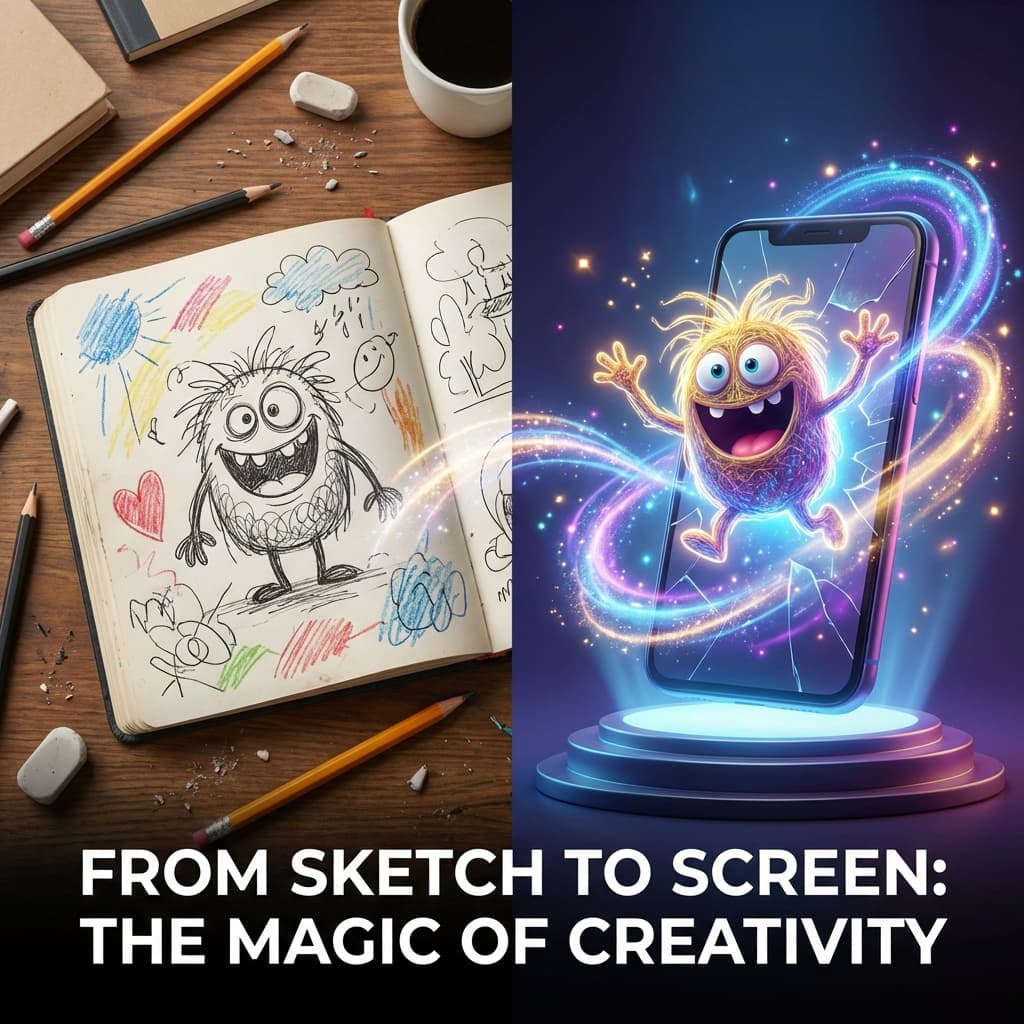
Imagine your sketchbook suddenly springing to life. That little doodle in the corner of your notebook starts breakdancing. Your child's drawing of a monster wiggles and waves.
It sounds like magic (or a scene from Harry Potter), but in 2026, getting a dancing drawing is incredibly easy thanks to AI. You don't need to be an animator, and you don't need expensive software.
Whether you're an artist wanting to experiment, a parent looking for a fun activity, or a content creator engaging your audience, this guide will show you exactly how to transform static sketches into dynamic animations.
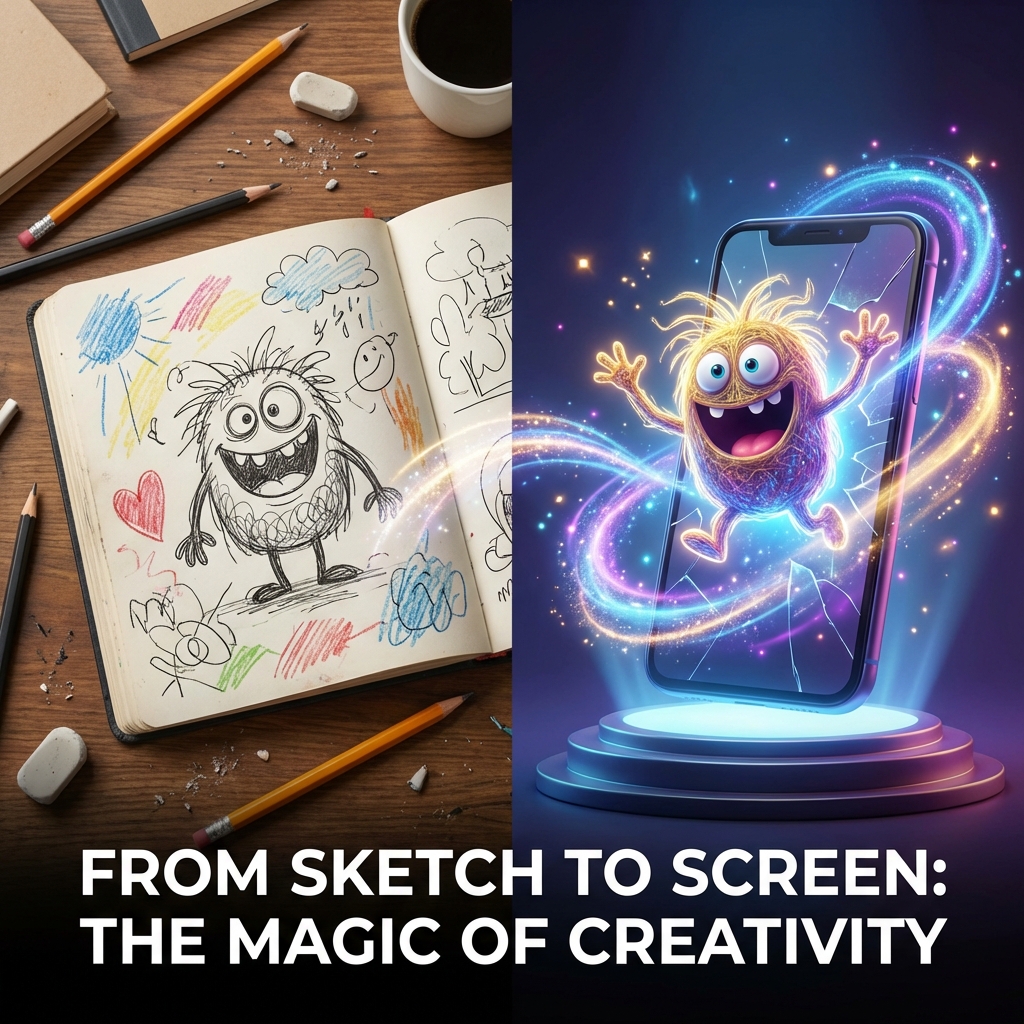
Table of Contents
1. [What is a "Dancing Drawing"?](#what-is-a-dancing-drawing) 2. [Step 1: Drawing Your First Dancer](#step-1-drawing-your-first-dancer-a-simple-guide) 3. [Step 2: Optimizing Your Art for AI](#step-2-optimizing-your-art-for-ai-the-3-golden-rules) 4. [Step 3: Best Tools to Animate Drawings](#step-3-best-tools-to-animate-drawings) 5. [Step 4: Tutorial: Making It Dance](#step-4-tutorial-making-it-dance) 6. [Creative Ideas](#creative-ideas-for-your-animations) 7. [FAQ](#faq)What is a "Dancing Drawing"?
A "dancing drawing" is exactly what it sounds like: taking a 2D static image (a sketch, doodle, or painting) and using Artificial Intelligence to identify its "skeleton" (limbs, head, body) and map movement onto it.
Unlike traditional animation, where you have to draw every single frame (which takes hours), AI animation tools work by:
- Scanning your image.
- Isolating the character from the background.
- Rigging the character (identifying joints).
- Applying pre-recorded dance motion data to your character.
The result? Your drawing does the floss, the moonwalk, or a ballet twirl instantly.
Step 1: Drawing Your First Dancer (A Simple Guide)
If you searched for "dancing drawing," you might want to learn how to draw one from scratch before animating it. The good news? You don't need to be professional artist.
To get the best results with AI, your drawing needs a specific structure. Here is a 2-minute method to draw a character that is guaranteed to dance perfectly:
The "Sausage Method" (Perfect for AI)
Instead of complex anatomy, think of your character as a collection of shapes. This helps the AI identify "bones" and "joints."
- The Head: Draw a simple circle or oval.
- The Body: Draw a rectangle or oval below the head. Leave a small gap for the neck.
- The Limbs (The Most Important Part):
- Draw "sausage" shapes for arms and legs.
- Crucial Rule: Keep the arms away from the body. Imagine your character is saying "I don't know!" (shrugging) or doing a "T-pose."
- Why? If you draw an arm across the chest, the AI will think the arm is part of the body and it won't move!
- Connectors: distinctive circles for elbows and knees help the AI know exactly where to bend.
Pro Tip: Give your character clear hands and feet. Even simple circles work. This helps the AI track the tips of the limbs during complex dance moves like the "Floss."
Step 2: Optimizing Your Art for AI (The 3 Golden Rules)
Even with the "Sausage Method," you need to ensure your drawing is "machine-readable." If you draw a character with their arms crossed or legs hidden, the AI won't know where the limbs are.
Follow these 3 Golden Rules for the best "dancing drawing" results:
1. The "Open Pose" is King
Draw your character standing up straight with arms and legs clearly separated from the body. * **Good**: Arms out to the side (A-Pose or T-Pose), legs apart. * **Bad**: Hands in pockets, crossing arms, sitting down, or holding props that cover the body.2. High Contrast Background
Draw on plain white paper. Avoid lined notebook paper if possible, as the lines can sometimes confuse the AI (though better tools like **AI Baby Dancer** are trained to ignore faint lines).3. Close the Loops
Make sure your lines are connected. If there's a gap in the arm line, the AI might think the arm is detached!Step 3: Best Tools to Animate Drawings
There are three main players in the "dancing drawing" game. Let's compare them so you can pick the right one.
Option A: Meta Animated Drawings (The Classic Research Tool)
This is the tool that started the trend. Created by Facebook (Meta) researchers, it's a web-based demo.- Pros: Completely free, educational, gives you manual control over the "bones."
- Cons: A bit clunky, requires manual masking (erasing the background), animation styles are limited to generic moves (jumping, walking), output quality is "wobbly."
- Best For: Teachers, technical users who want control.
Option B: Viggle AI (The Viral Meme Maker)
Viggle became famous for putting characters into real video scenes (like the Lil Yachty stage walk).- Pros: Can mimic very specific viral dances, realistic motion.
- Cons: Operates mostly via Discord (can be confusing), hit-or-miss quality with sketches vs. photos, often distorts the drawing to fit a human shape too aggressively.
- Best For: Making memes using existing viral videos.
Option C: AI Baby Dancer (The Easiest, High-Quality Option)
If you want the best of both worlds—ease of use and high-quality "fun" animations suitable for sharing.- Pros: No manual rigging required (smarter AI), works on mobile, vast library of trending dances (TikTok styles, funny moves), preserves the "drawing style" better.
- Cons: Some premium templates are paid.
- Best For: Parents, social media sharing, quick high-quality results.
Step 4: Tutorial: Making It Dance
Let's walk through how to do this using AI Baby Dancer for the quickest results.
1. Snap a Photo
Take a clear picture of your drawing. Ensure the lighting is even so there are no dark shadows across the character.2. Upload to AI Baby Dancer
Go to the [AI Baby Dancer Generator](/). Click "Upload" and select your photo.3. Choose Your Vibe
Pick a dance template. Do you want your sketch to do a cool hip-hop move, a silly wiggle, or a classic disco point?4. Generate & Share
Click "Generate." In about 60 seconds, you'll have a video file. Save it to your phone and start surprising your group chats!Creative Ideas for Your Animations
Don't stop at just one drawing! Here are some fun ways to use dancing drawings:
- The "Family Band": Have everyone in the family draw themselves, then animate the drawings to dance together in a video editor.
- Digital Greeting Cards: Draw a character holding a "Happy Birthday" sign and make it dance. Send that instead of a boring text!
- Logo Animation: Have a mascot for your small business? Draw it and make it dance for an Instagram Story.
- Storytelling: Kids can draw scenes and characters, and you can animate them to act out a story they wrote.