Ghost Step Dance Template for AI Baby Dance Videos
Ghost Step Dance focuses on light footwork and quick step transitions with a stable upper body. It is suitable for crisp rhythm clips where leg movement is the visual center.
Start free in the queue, then upgrade only if you need faster turnaround or more generation volume.
Also searched as
Motion profile
- Quick step-and-shift footwork with short travel distance
- Frequent knee/ankle rhythm changes
- Upper body stays comparatively stable for contrast
- Fast cadence intended for short-loop video
Best for
- Full-body photos with legs and feet visible
- Standing poses with visible ankle and shoe boundaries
- High-contrast outfits (clear outline around knees/ankles/feet)
- Simple backgrounds (less noise near the lower body)
- Short rhythm-forward clips
Photo tips
- Include the full legs and feet in-frame (don’t crop at the ankles).
- Avoid long skirts/blankets that hide knee/ankle landmarks.
- Use good lighting so the outline around knees and shoes is crisp.
- Keep the baby centered; leave a little space around the body edge.
- If the subject is small, crop closer before uploading to preserve detail.
Pro tip
If you want more control, try uploading a reference motion video instead of using a preset template.
Dance Origin & Background
Ghost Step Dance is a shuffle-footwork template where fast lower-body rhythm is the main visual signal and the torso stays relatively controlled.
The style inherits from Melbourne shuffle culture, where running-step and glide transitions became the core vocabulary for loopable dance clips.
It spread from rave scenes to online tutorials and is now widely reused in short-form edits where viewers replay the footwork pattern for imitation.
Quick facts
- Origin region
- Melbourne, Australia shuffle scene with global internet adoption
- Origin period
- Late 1980s roots, major online spread in the 2000s and 2020s
- Breakout path
- Rave footage -> YouTube shuffle tutorials -> TikTok/Shorts loops
- Signature motion
- Running-step and glide transitions with quick ankle rhythm changes
- Current format
- 5-10s footwork-centered vertical clips
How to use this template
- Open the generator on the homepage.
- Upload a photo (JPG/PNG/WebP).
- Select the “Ghost Step Dance” template from the template list.
- Generate your clip, then download or share.
If you can’t find this template in the picker, it may be temporarily unavailable.
Privacy & sharing
Your creations are private by default. If you choose to share, you control visibility (public, unlisted, or private). Parents Safety & Privacy Promise.
Public videos can appear in Community, while search indexing can be disabled site-wide; unlisted/private links are set to noindex.
How we verified this guide
- Analyzed official preview video (4.81s) with keyframe sampling.
- Observed dominant behavior: step rhythm concentrated in lower body.
- Compared artifact patterns when feet/ankles are partially occluded.
Reference sources
FAQ
Why do the feet look jittery or “slippy”?
Ghost-step style motion relies heavily on clear leg and foot boundaries. If feet are cropped, low-contrast, or covered by clothing/objects, the motion can look unstable. Try a full-body photo with visible shoes/feet and a simpler background.
Does this template work with a close-up face photo?
It can generate something, but Ghost Step Dance is designed for footwork. A close-up crop usually reduces the effect. For best results, use a wider shot where the lower body is visible.
Is it private to upload a baby photo?
Your creations are private by default. You choose if anything becomes public. See /privacy#parents-safety for a human-readable summary.
Can I share the result to TikTok / Reels / Shorts?
Yes. You can download the output and share it anywhere (TikTok, Reels, Shorts, etc.).
How long does it take?
Processing time varies. Most short clips finish within a few minutes depending on server load.
Community examples
Public videos made with the “Ghost Step Dance” template.
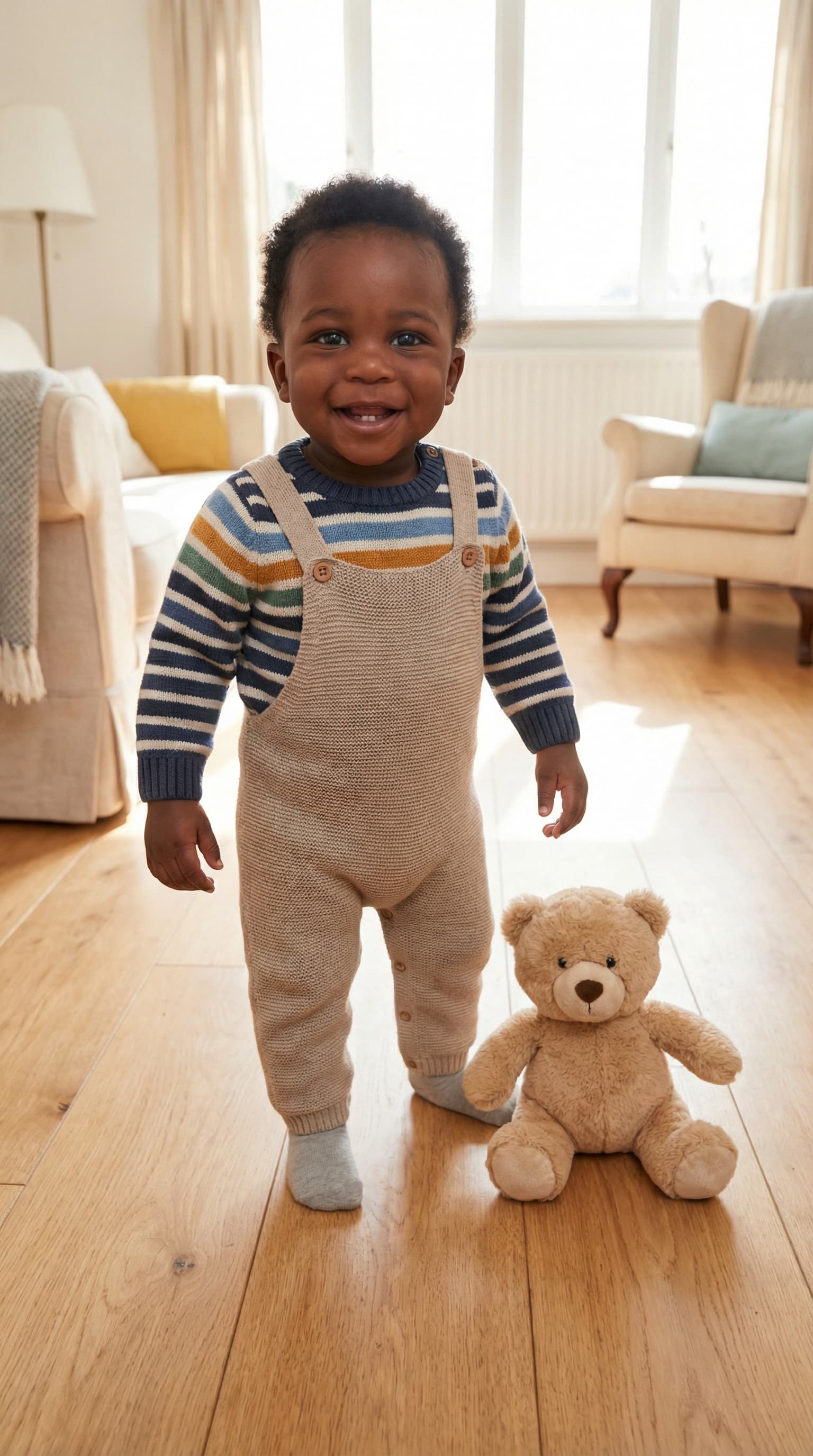
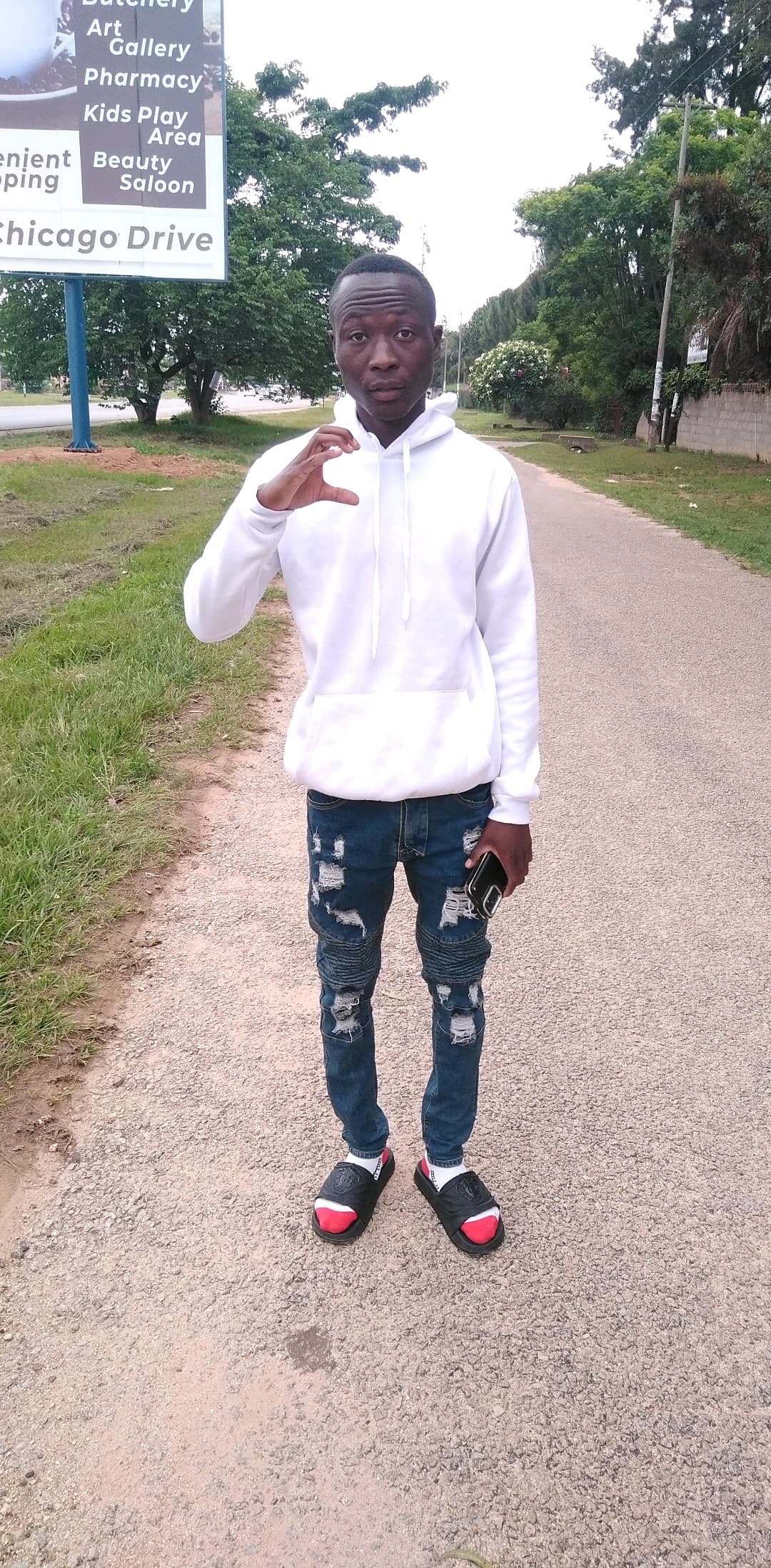
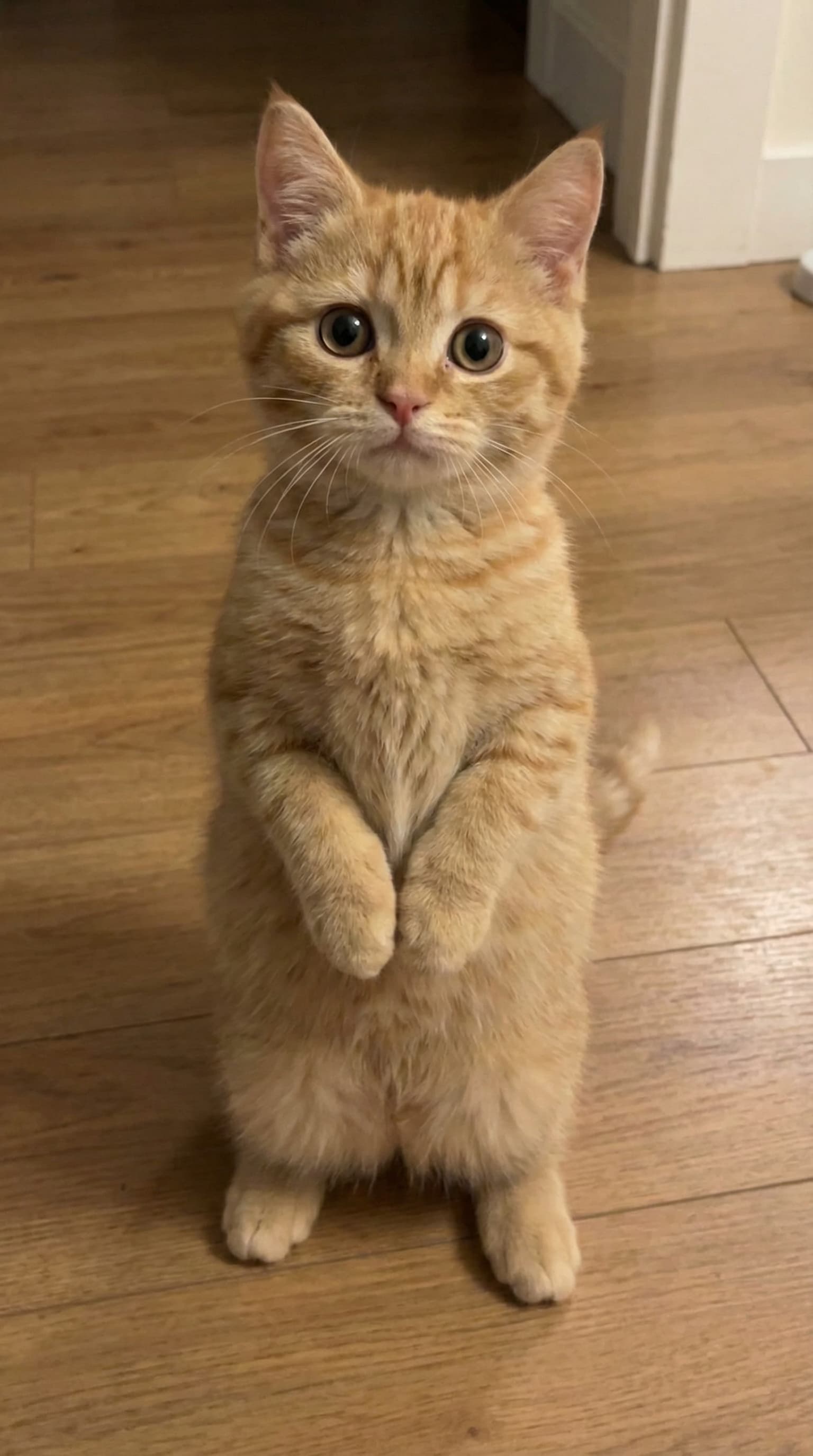
Make a Ghost Step Dance for a specific occasion
Same dance, framed for the moment you are celebrating. Pick the occasion closest to your photo idea — each page keeps the same motion preview and photo tips.
Keep exploring template guides
Use these hand-picked guides to start with fan favorites, then branch into more dance styles across the template library.
Popular right now
Start with these fan-favorite guides if you want easy first picks and clear motion previews.
Big Guy
Big Guy is a power-groove preset with weighty shoulder rolls, grounded steps, and broad arm accents. It works best for comedic or high-presence clips where strong silhouette motion is the key visual, and it is often searched as “big guy ai dance” or “big guy template.”
Also searched as: big guy dance, big guy template, big guy ai dance
Chanel Tyla
Chanel Tyla is a fashion-forward groove preset that combines smooth hip sway, confident upper-body posture, and clean beat accents. It is designed for trend clips where attitude and rhythm are both visible, especially for searches around “tyla dance ai” and related style variants.
Also searched as: chanel tyla dance, tyla dance ai, ai tyla dance
Baby Boo Dance
Baby Boo Dance is a trend-style keyword page for creators who want cute, rhythmic short videos in the “baby boo” style (also searched as “she gon call me baby boo”). This guide focuses on fast setup, clean hand visibility, and social-ready 9:16 output.
Also searched as: baby boo dance, baby boo ai dance, baby boo dance ai
More template guides to explore
Want more variety? These guides add more dance moods, gestures, and meme styles once you have tried the most popular pages.
Midu Echoing
Midu Echoing is a mirror-rhythm preset featuring repeat gestures, delayed arm echoes, and smooth torso bounce. It is suitable for hypnotic short clips that need a looping, replay-friendly feel.
Also searched as: midu echoing dance, echoing dance template, mirror rhythm dance
Overdrive
Overdrive is a short, punchy preset focused on upper-body attitude moves (crossed arms, shoulder bounce, and compact side shifts). It reads well in vertical meme-style clips and keeps the subject centered.
Also searched as: overdrive dance, overdrive challenge, overdrive trend
Subject 3 Dance
Subject 3 Dance (科目三 / Ke Mu San) is a viral short-form routine known for hand gestures plus side-to-side lower-body rhythm. This preset targets trend-style clips with fast visual recognition.
Also searched as: subject 3 dance, subject three dance, subject 3
Drunk Dance
Drunk Dance emphasizes loose, playful groove: wide stance, hip sway, and off-center upper-body rhythm. It is optimized for comedic short clips where exaggerated movement is part of the style.
Also searched as: drunk dance template, drunk dance ai, drunk dance baby